A subniche and its PrintShark opportunity score from an autopilot run. Long demand bar, short competition bar is the sweet spot.
AI niche research that beats guesswork
It looks for niches where buyers are searching but few sellers compete, and gives each one PrintShark's own 0-100 opportunity score. Set up to five shop themes to steer it into the sub-niches inside them, or leave themes empty and let it find openings on its own.
- One score from demand, open space, rankability and design fit
- Up to 5 shop themes point research at your audience
- Seasonal mode (on by default) starts holiday designs 4 to 6 weeks ahead

Original AI designs, checked before they become products
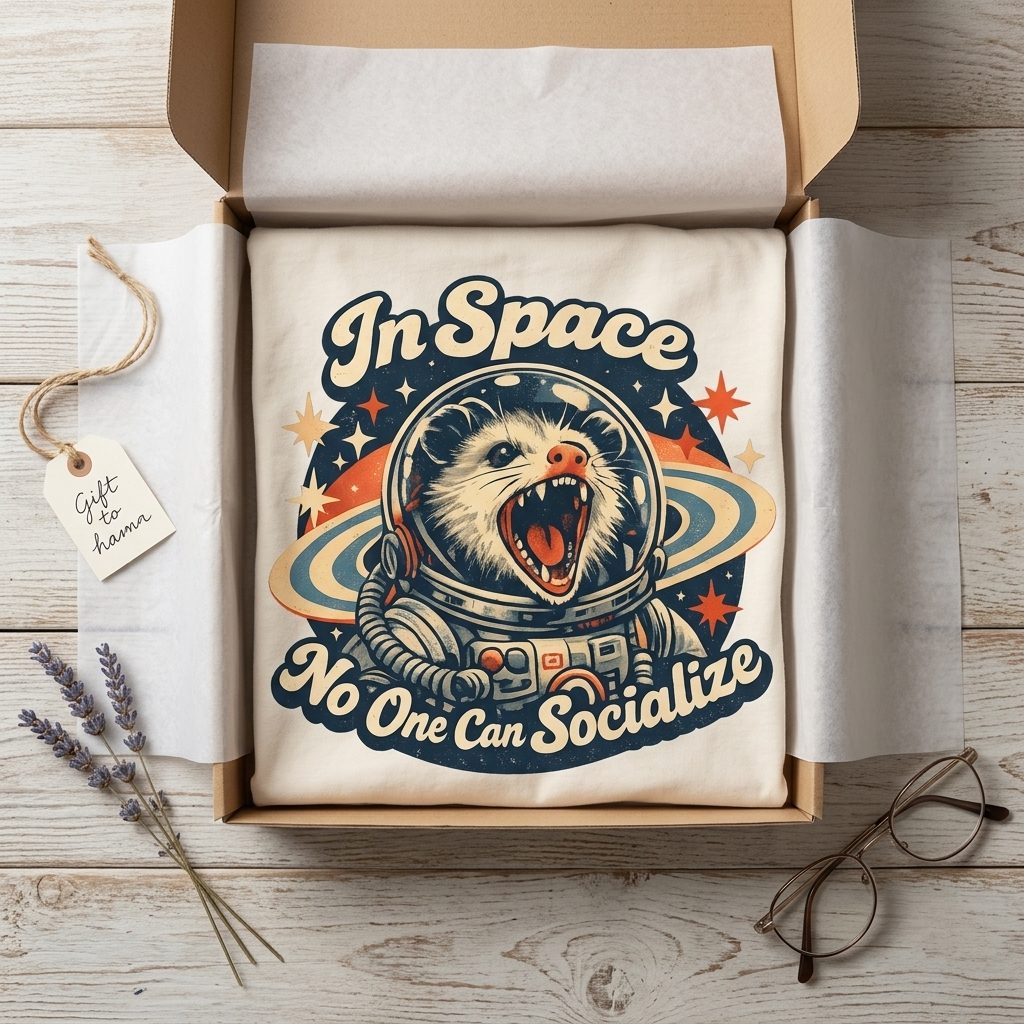
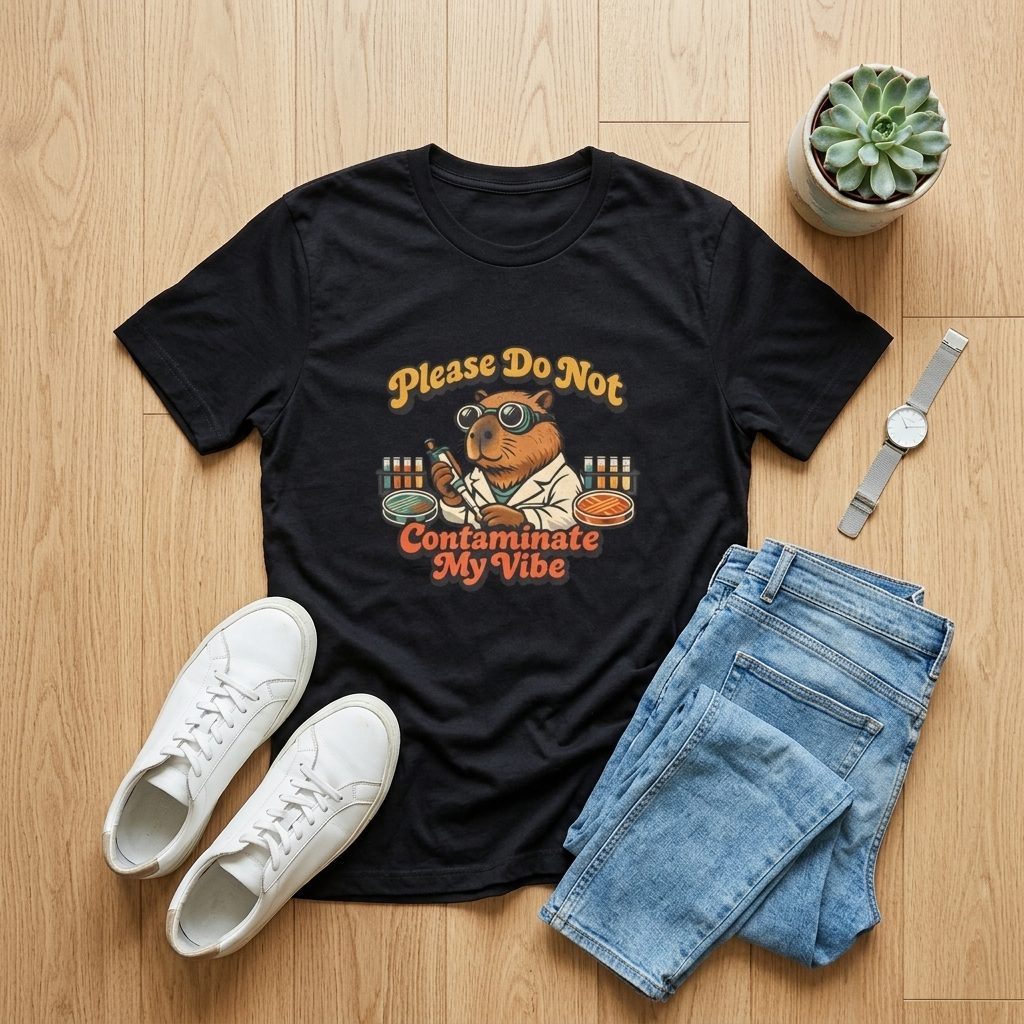
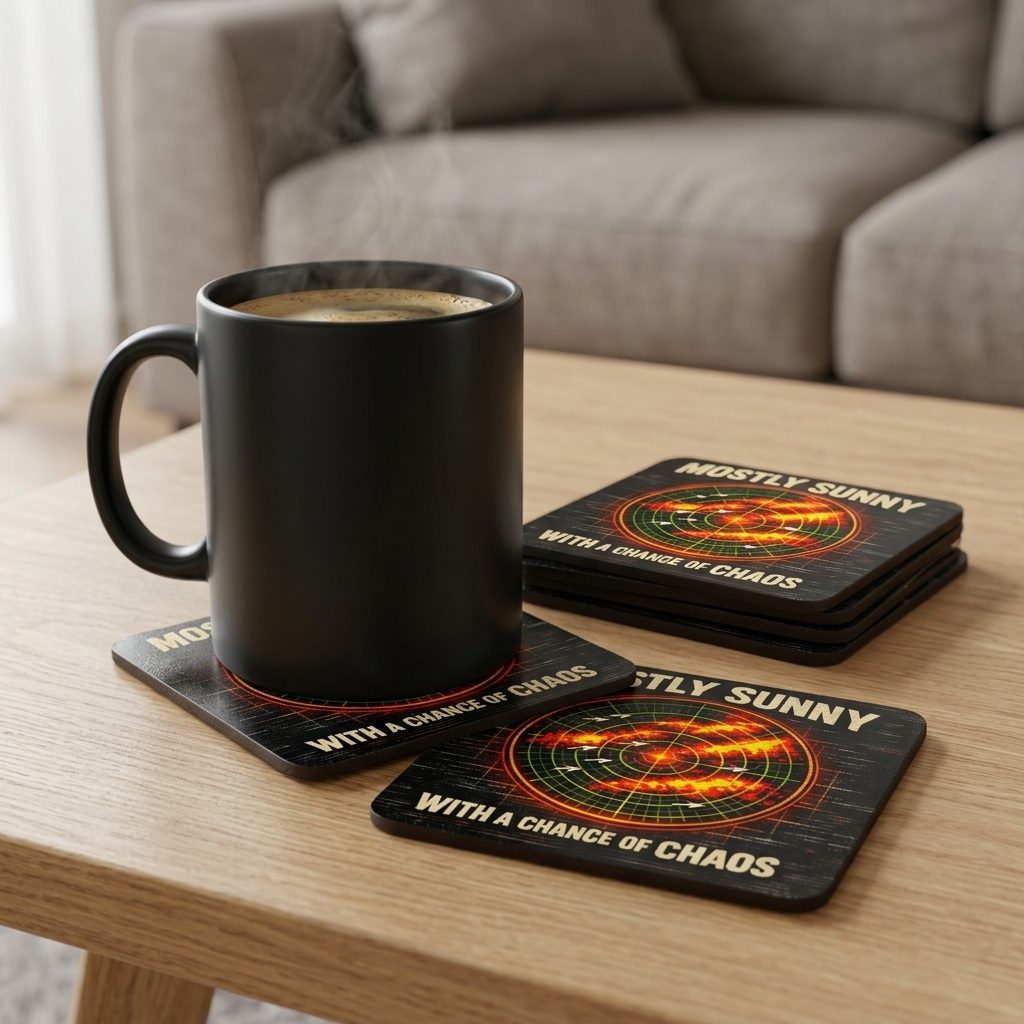
For every niche it picks, PrintShark writes a design brief and generates original, print-ready artwork in the visual style that already sells in that niche, on the subject your themes set. An AI vision check then scores each design. A design that fails is regenerated with the judge's notes, up to three renders in total, and dropped if it still falls short.
- Unique artwork made for each niche
- Checked for spelling, garbled text, AI artifacts and appeal
- Weak designs are remade or dropped automatically
Etsy's Creativity Standards cover seller-prompted AI creations and require you to disclose AI use in the listing description (as of October 1, 2026). You stay the seller: you set the themes, review the drafts and make the disclosures. Our guide to Etsy's AI policy explains what to disclose and where.


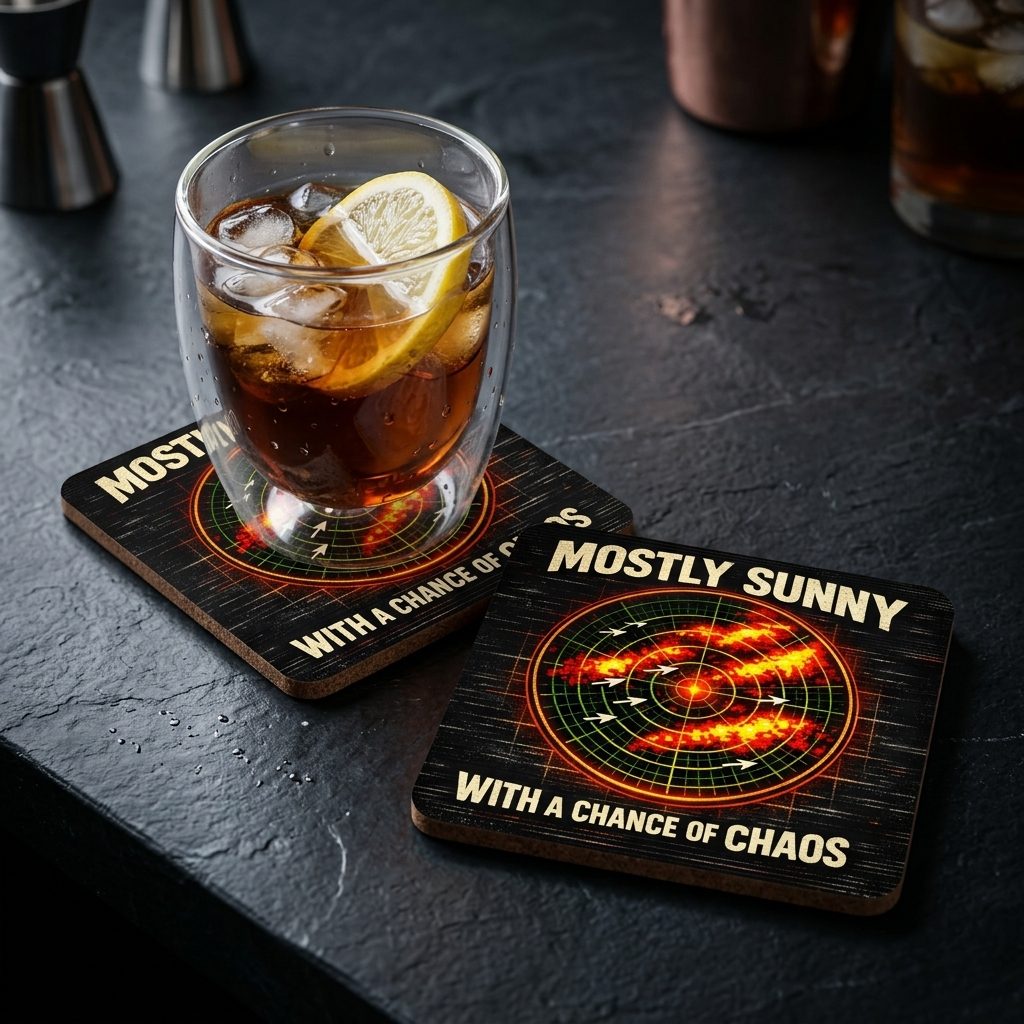
AI product mockups, made for you
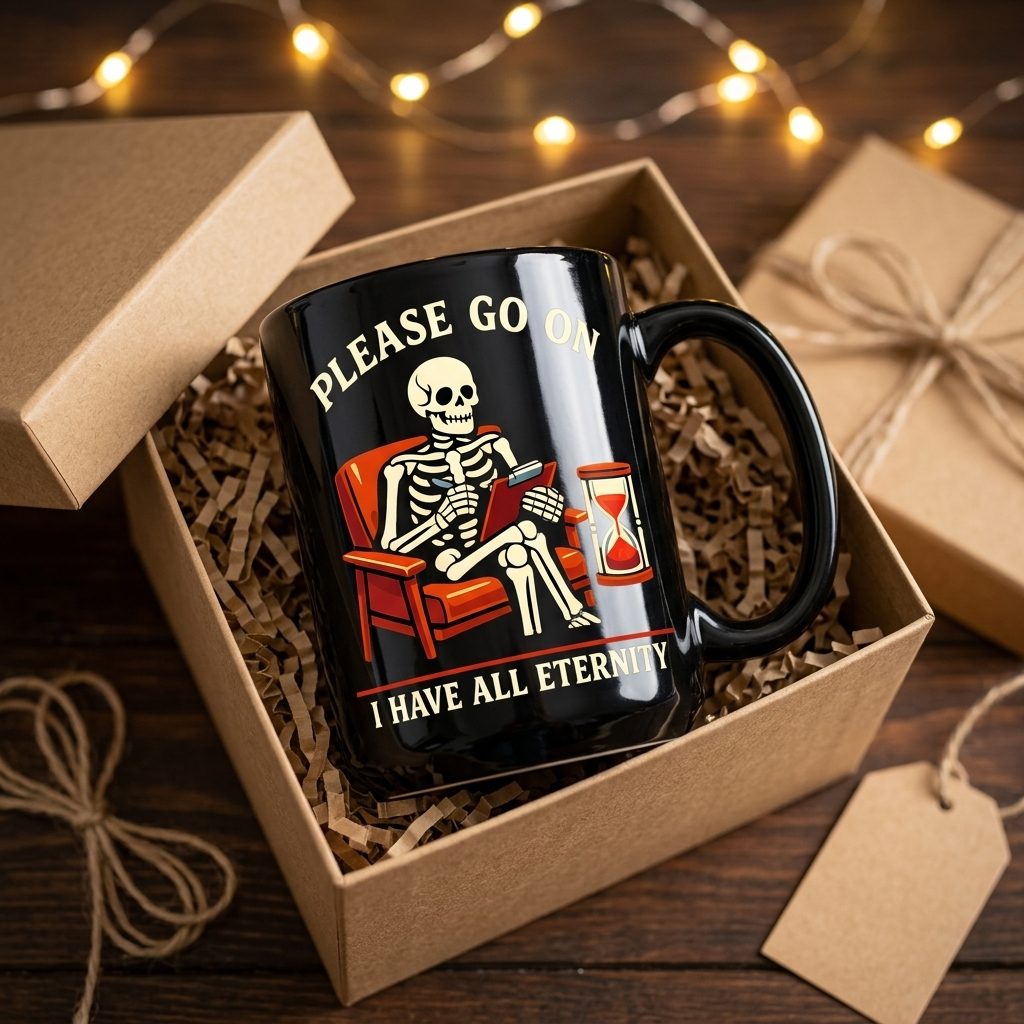
Listings live or die on the photos. For each product, PrintShark writes a creative brief from your artwork and generates an AI mockup staged for that product and its niche. A pass/fail inspector compares every Autopilot mockup with your design and throws out any with garbled text, wrong scale or the design on the wrong surface. Want more photos? The + button on the product card adds another scene with a fresh angle (a new setting, props or mood) for 1 credit, and subscription plans include monthly credits. Review those added scenes yourself, since the inspector only checks Autopilot mockups.
- One AI mockup per product included, more scenes on demand with credits
- Every Autopilot mockup inspected against the original design
- Drag to reorder; the first image becomes your Etsy thumbnail
SEO listings written the way buyers search
Listing copy is written from the niche research and the buyer phrases it found for that niche. PrintShark writes the title, description and all 13 tags (each 20 characters or less, Etsy's limit), then fills in Etsy attributes after publish.
By default each finished listing waits as a draft for your approval. Every publish then goes through a drip-feed queue: 5 listings a day by default, adjustable from 1 to 20, released between 8 AM and 10 PM in your shop's time zone. Wondering why that pace? Read how many listings to post per day on Etsy.
- Built from the buyer phrases the niche research found
- Every one of the 13 tags used, every time
- Released gradually, never dumped; the queue can't be switched off
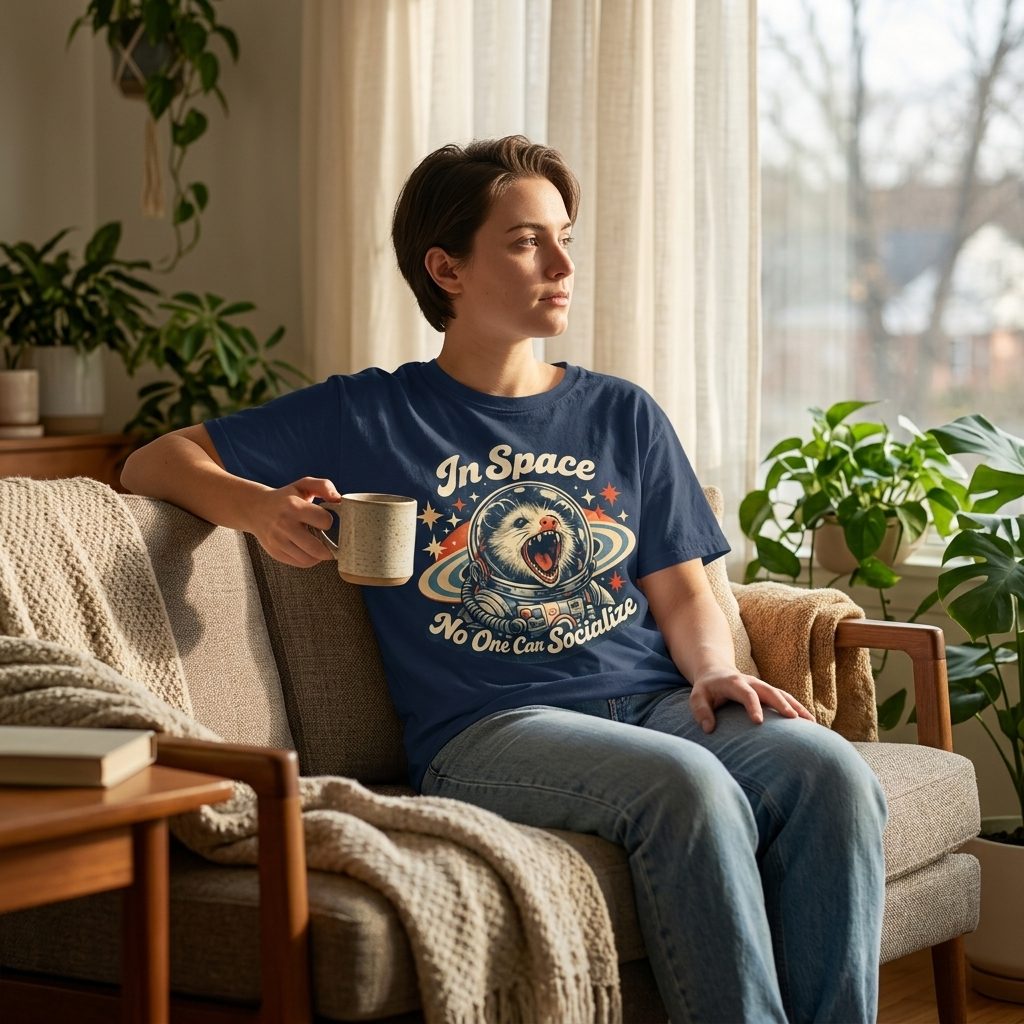
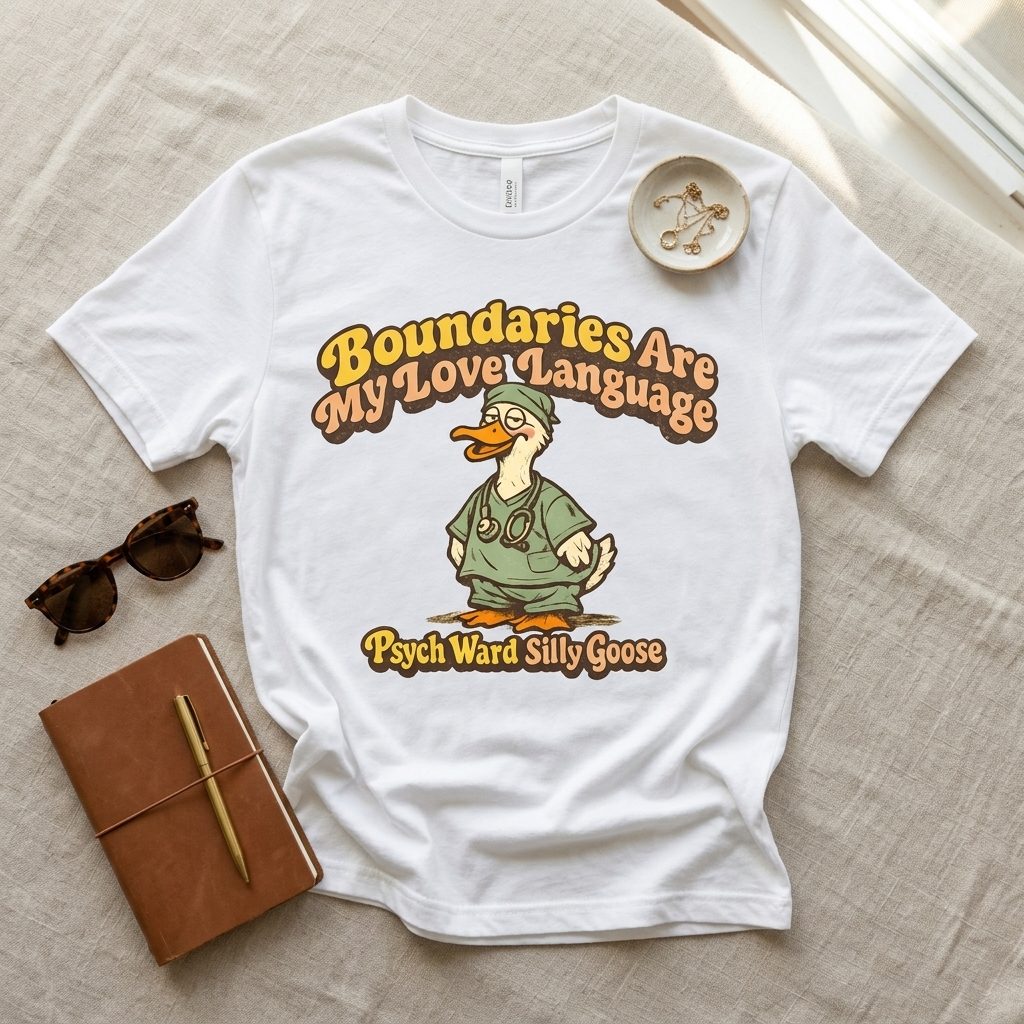
Sales ship themselves, and you see how every listing is doing
When a sale lands, Printify's Etsy integration creates the production order and a US-based print provider prints and ships it to your buyer. No inventory, no packing, no post office. Meanwhile PrintShark records every listing's views and favorites daily.
Once your shop has 50 published listings, any PrintShark listing still under 5 views after its first week shows up in a needs-attention list on your Dashboard, so you can see which ones buyers are not finding. Refreshing their titles and tags is up to you, in Printify or on Etsy.
- Printify produces and ships every order
- Daily views and favorites tracking on every listing
- Listings under 5 views flagged once your shop reaches 50 listings
SocialShark: your social media, planned and posted
This is the part most sellers never have time for. Once you connect your accounts, SocialShark plans, writes and posts to Facebook and Instagram week after week, with Pinterest rolling out, so your shop keeps showing up. It's included on the Pro and Studio plans.